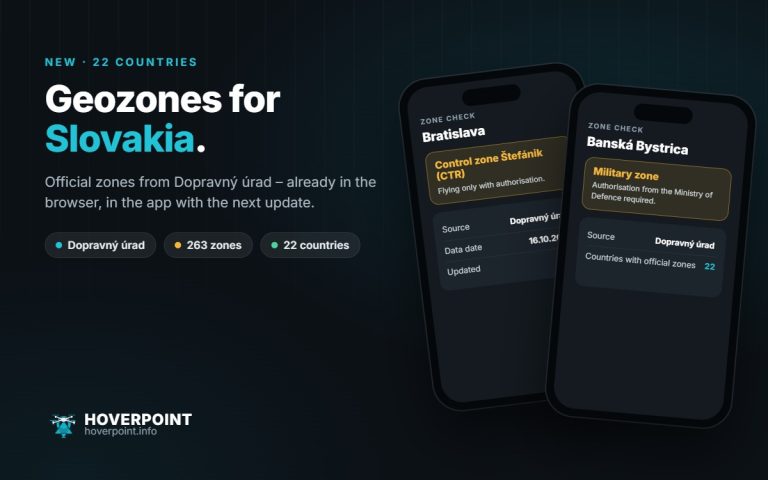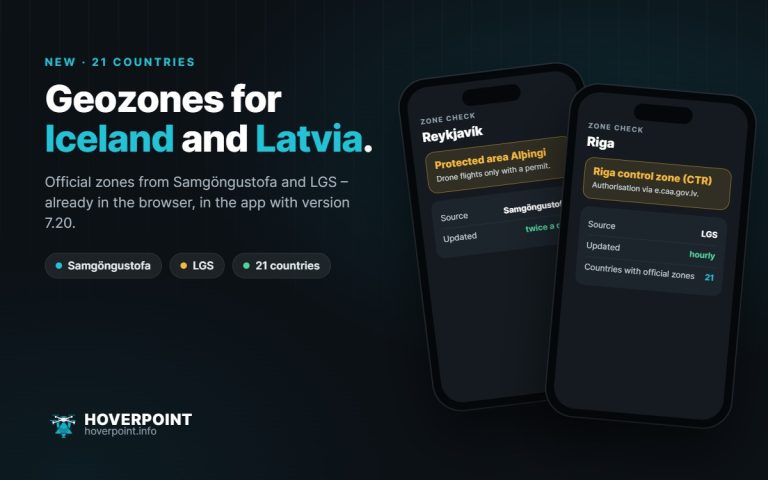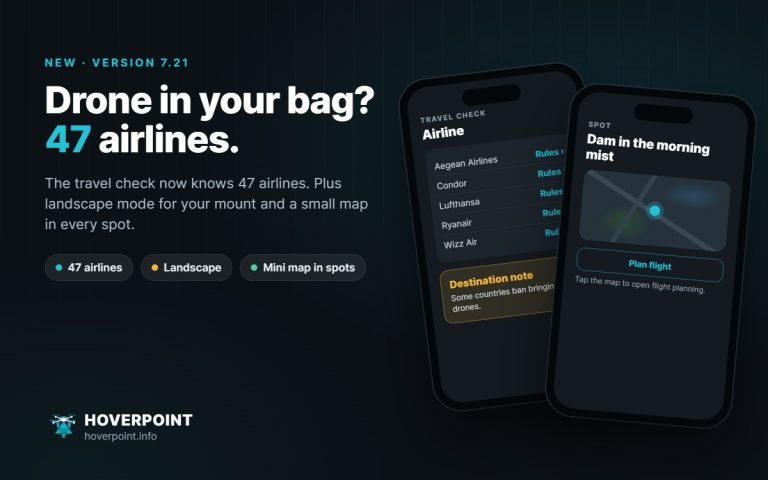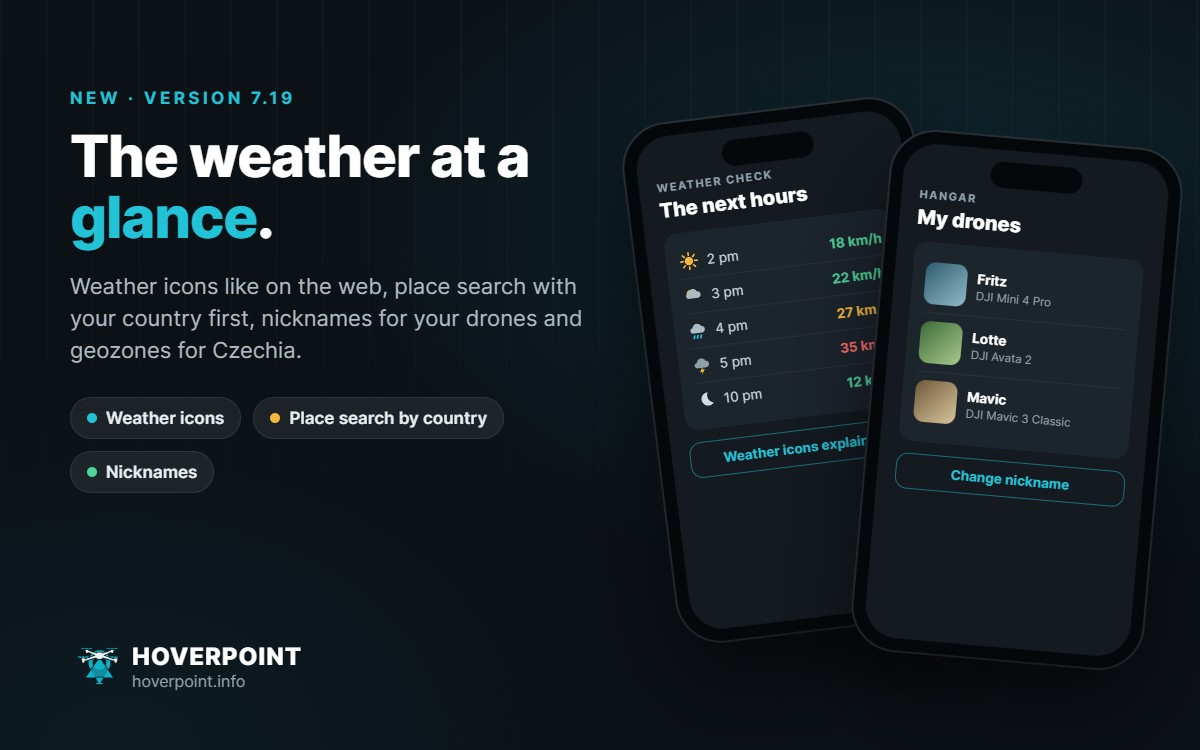
Version 7.19 makes the weather check easier to read and place search more accurate. This update also brought the official geozones for the Czech Republic to the app; more in the post New: official geozones for the Czech Republic.
Weather icons like on the web
The hourly and daily forecast now show sun, clouds, rain, showers, snow and thunderstorms as clear icons, with a moon at night. “Weather icons” above the hourly strip explains every icon.
Place search with your country first
When you search for places and postcodes, results from your country now come first. In the settings under “Display & Controls”, choose “Automatic” (the country you are in right now) or a fixed country. You can still find places in other countries.
Nicknames for your drones
In the hangar you can give each drone its own name. It is then shown instead of the model name and is included in your backup.
Clear cache
Under “Backup & Privacy” you can see how much space cached map tiles and file copies take up, and clear them. Offline maps, documents, flights, drones and settings are kept.
Also
- Weather check: “Measured nearby” and “Flight windows” can be collapsed, and Hoverpoint remembers your choice.
- Your own weather station: the section now explains what a private station means.
- Hangar: the insurance offer suggests checking your personal liability insurance first.
- “Open on start” is now at the top of “Display & Controls”.
- Travel check: for older drones in the hangar, the battery capacity (Wh) is taken from the drone catalogue.
- Waypoint routes: files over 25 MB are skipped with a notice instead of crashing the app on Android.