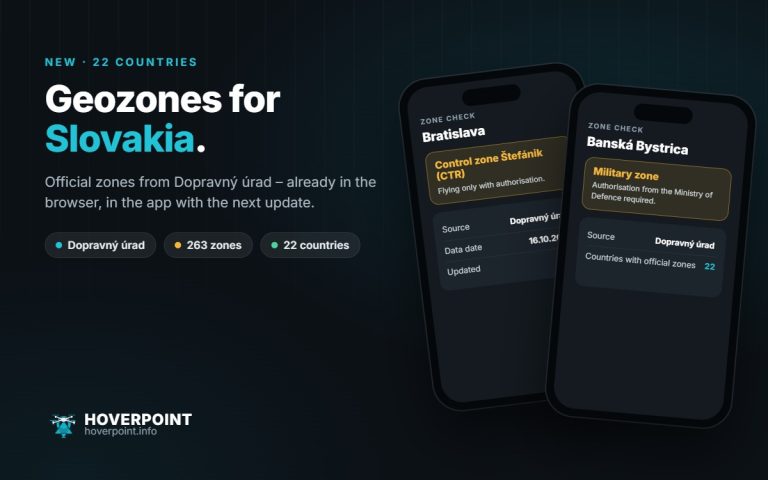
Version 7.20 is out for Android and iPhone, together with the updates 7.20.1 and 7.20.2. It includes the official geozones for Iceland and Latvia; more in the post New: official geozones for Iceland and Latvia.
Flight analysis (Pro)
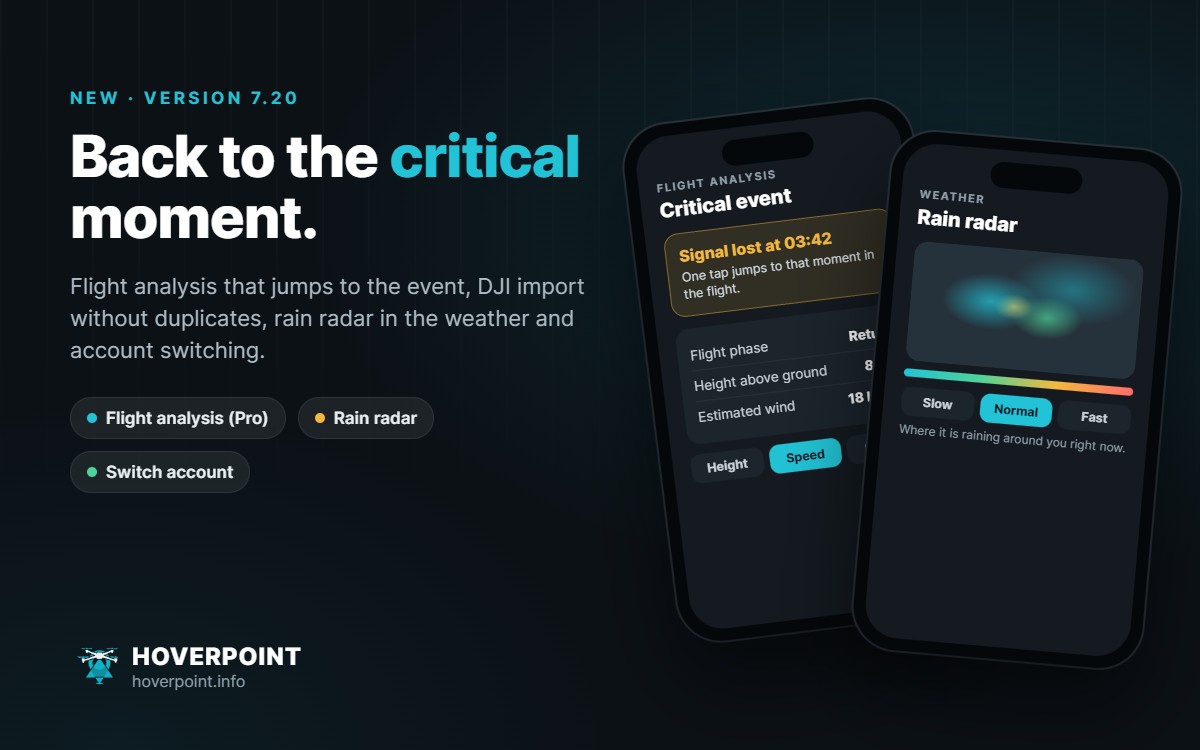
Tapping the critical event jumps to that moment in the flight. Also new: flight phases, a track coloured by height, speed or signal, new charts, height above ground along the track, consumption and estimated flight time, and a rough wind estimate in your wind unit.
DJI import without duplicates
Flights already in your logbook are now recognised, including live flights and your own entries. For each flight you choose merge, overwrite or skip, and the place is filled in straight away. The year in review now uses the data from your DJI flights too.
Rain radar and weather stations
In the weather check, a section of the DWD rain radar shows where it is raining around your location right now. On the map you can switch the playback speed, and a colour legend explains the intensity. For weather stations you can set a backup station that steps in when yours reports nothing. With Pro you can share your own station with other pilots within 20 km; your keys and your name stay hidden.
Switch account
Under Settings › Account you switch between several Hoverpoint accounts with one tap, for example private and club, without signing out and back in each time. Hangar, flight log, spots, missions and permits stay with their account.
Also
- Hybrid map: roads and place names can be shown over the satellite image.
- Find pilots: search other pilots by name, place or drone and open their profile.
- Sounds and vibration work on all devices, plus a short start-up sound you can turn off.
- Photo challenge: the gallery can be sorted by newest, random or near me.
- Saved list: a whole folder can be deleted together with its spots.
- Denmark and Sweden: NOTAMs on the map now come from the NOTAM search of the US FAA.
- Fixed: sharing spots with a photo, the map tab stays open, the briefing is readable in dark mode.