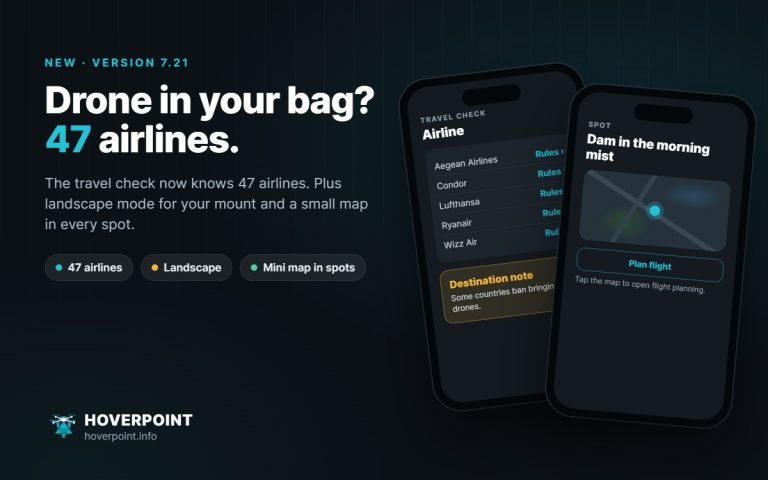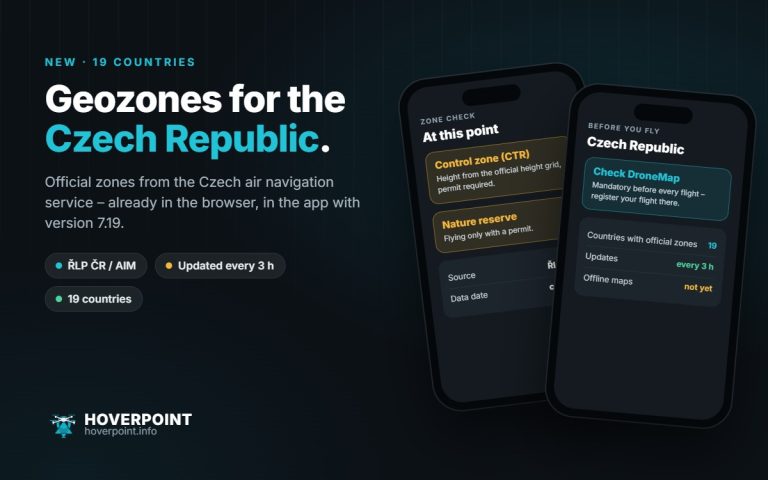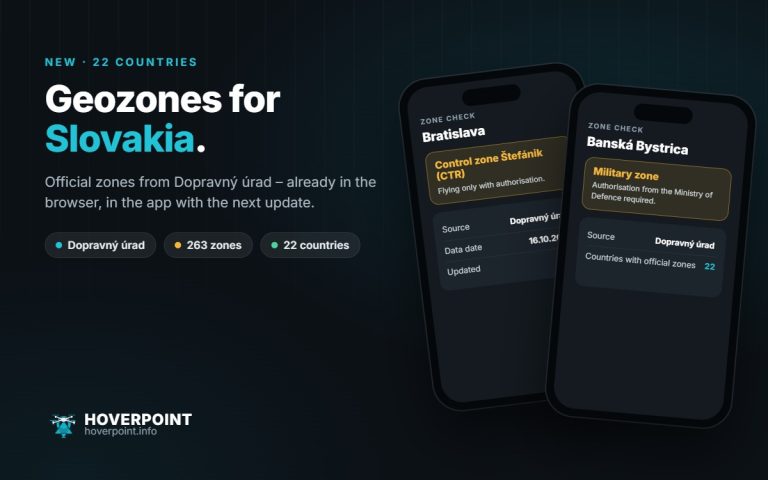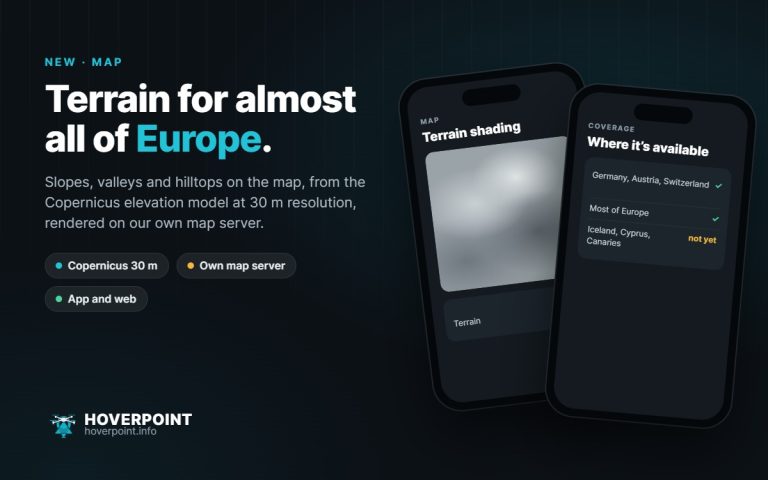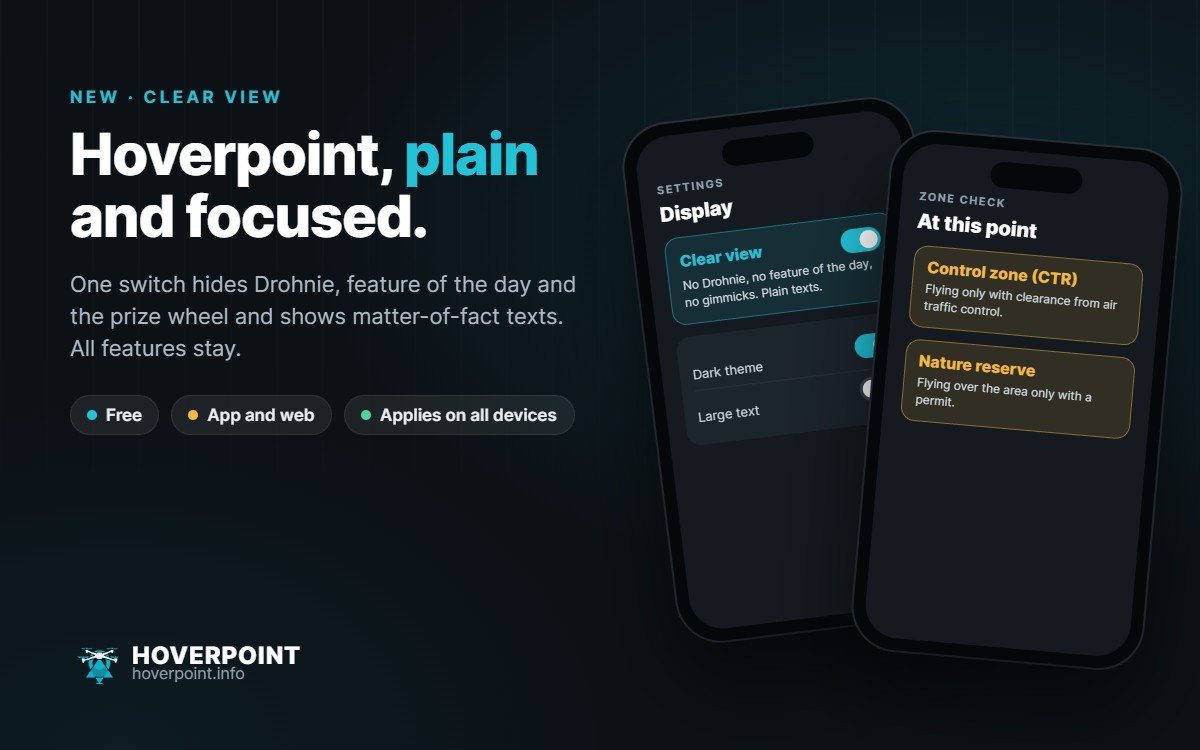
Drohnie, the prize wheel and the casual texts are part of Hoverpoint. But not everyone wants them every time, especially when using Hoverpoint for work. That’s what the new clear view is for.
What changes
- Drohnie disappears everywhere: pictures, explanations and tips.
- Feature of the day and the prize wheel are hidden.
- Texts are plain, and the AI summary comes as sober bullet points.
- All features stay, and clear view itself is free.
How to turn it on
In the browser at web.hoverpoint.info you’ll find the switch in the account menu. In the app you’ll find it under Settings › Appearance since version 7.16. If you’re signed in, your choice applies on all devices.
If you don’t change anything, Hoverpoint stays as you know it, with Drohnie.